> For the complete documentation index, see [llms.txt](https://help.travelledger.org/llms.txt). Markdown versions of documentation pages are available by appending `.md` to page URLs; this page is available as [Markdown](https://help.travelledger.org/tl-pay-virtual-cards-vccs/applying-for-an-adyen-account.md).
# Applying for an Adyen Account
### TL Pay – Adyen Account Application
Before you can use TL Pay and virtual cards with Adyen, you need to open and submit an Adyen account application from within Travel Ledger.
We recommend completing this **as soon as possible** so your account is ready for your migration date.
***
#### Overview
Travel Ledger is transitioning its primary banking infrastructure from Nium to Adyen. This move strengthens our payments infrastructure and supports the next phase of innovation across our network.
Adyen is a global financial technology leader list on the Dutch stock exchange and used by major enterprises such as Microsoft, Uber, and eBay. They also hold a banking licence in the UK
Adyen is the payment provider that powers TL Pay and virtual cards.
Once your Adyen account is approved:
* You can send and receive TL Pay settlements
* Funds can be paid out to your bank account
* You can create and use Virtual Cards
***
#### Applying
Who can complete this?
Only users with **TL Pay/Admin permissions** can:
* Open a new payment account
* Submit the Adyen application
Before you start
Make sure you have the following information ready:
* Company legal name and registration number
* Registered and trading address
* Director / Ultimate Beneficial Owner (UBO) details
* Business activity description
* Settlement bank account details
The application itself takes **a few minutes to complete**.
How to apply
#### 1. Open TL Pay
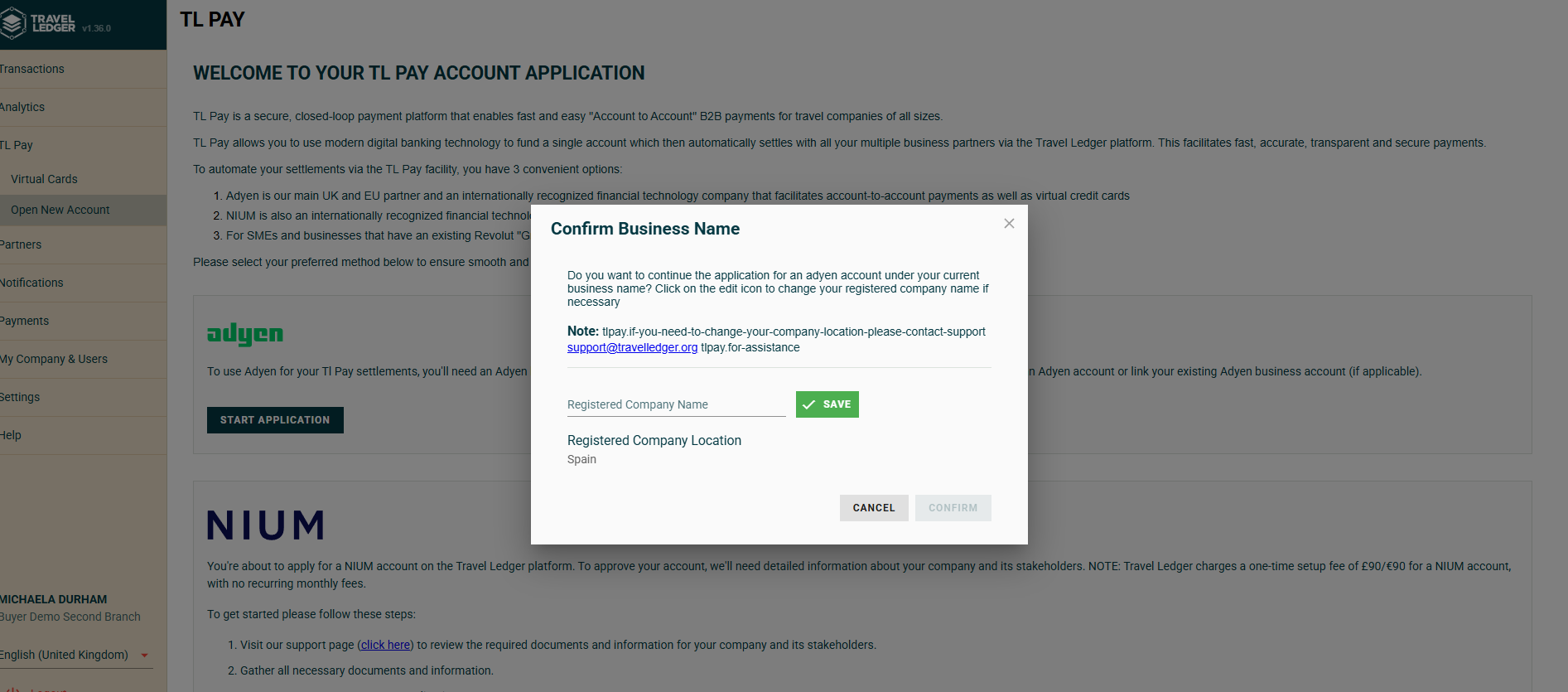
In Travel Ledger go to **TL Pay → Open New Account**
Choose **Adyen** as the payment provider and 'Start Application'.
***
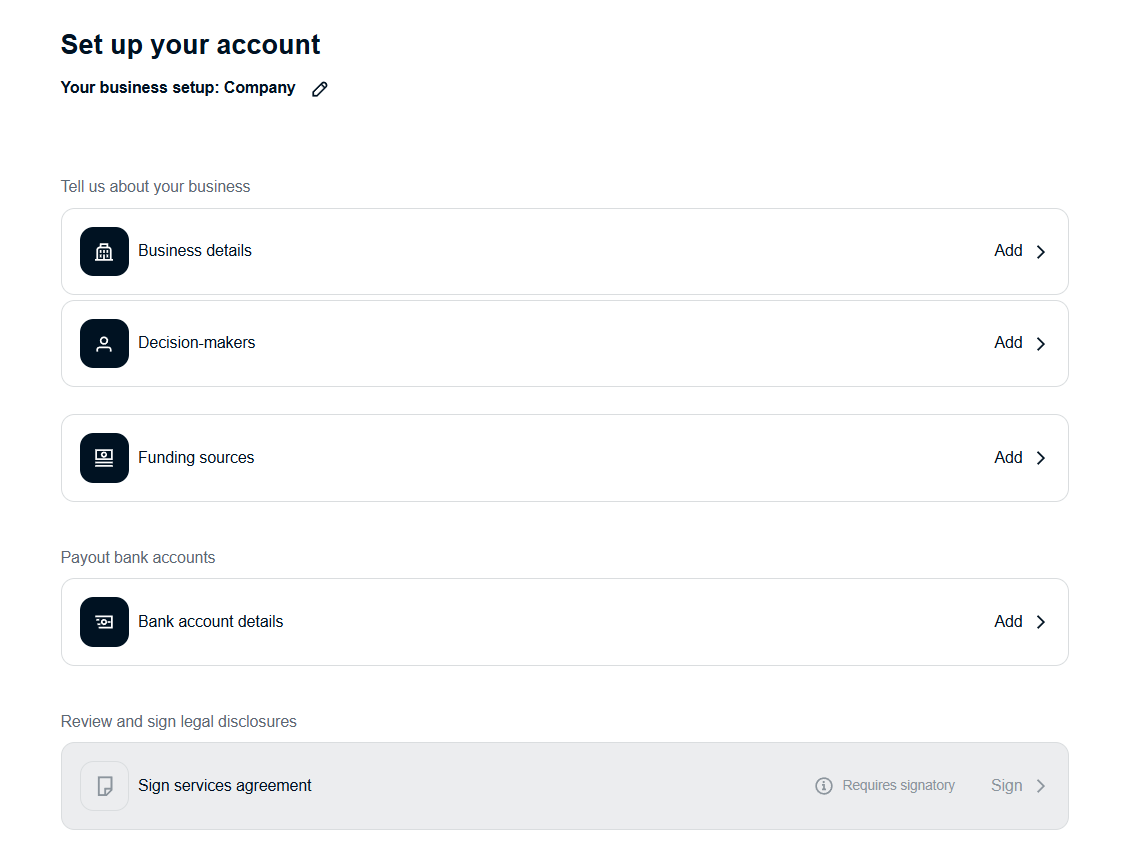
#### 2. Complete the application
You will be asked to provide the following:
**Company details**
* Legal entity name
* Company registration number
* Registered address
* Trading address (if different)
* Business activity
***
**Directors & Ultimate Beneficial Owners (UBOs)**
For each required individual:
* Full legal name
* Date of birth
* Home address
* Email address
* Ownership percentage (if applicable)
***
**Settlement bank account**
This is the bank account where you will fund your Adyen account from.
You’ll need:
* Account name
* Sort code
* Account number
* IBAN (if applicable)
***
#### 3. Submit the application
Once submitted:
* The application is sent to Adyen for verification
* You can leave the page safely
* Your status will update automatically once reviewed
***
### Application status
You can check progress at any time in:
**TL Pay → Your payment account**
#### Status meanings
| Status | What it means |
| ------------------------- | -------------------------------------------------- |
| Pending | Application submitted and under review |
| More information required | Additional documents or details are needed |
| Active | Account approved and ready for your migration date |
***
### If more information is required
Adyen may request:
* Proof of identity
* Proof of address
* Company verification documents
* Bank account confirmation
If this happens:
1. Open your payment account in TL Pay
2. Upload the requested documents
3. Resubmit
FAQs
**How do I provide the KYC identification verification for a director or UBO who is not completing the form?**
The verification can be sent to the relevant stakeholder through a link as outlined below.
1. Select the decision maker section by clicking on 'add' and then 'Get Started':
2. Fill out the information pertaining to the stakeholder:
3. Choose the 'Invite Decision maker' option:
4. Complete their details and any personal message you wish to add:
5. Have a final check of the details you have provided:
6. The invitation is now sent to the stakeholder, allowing them to complete the KYC form directly. Please advise them to have their passport or driving lincense available.
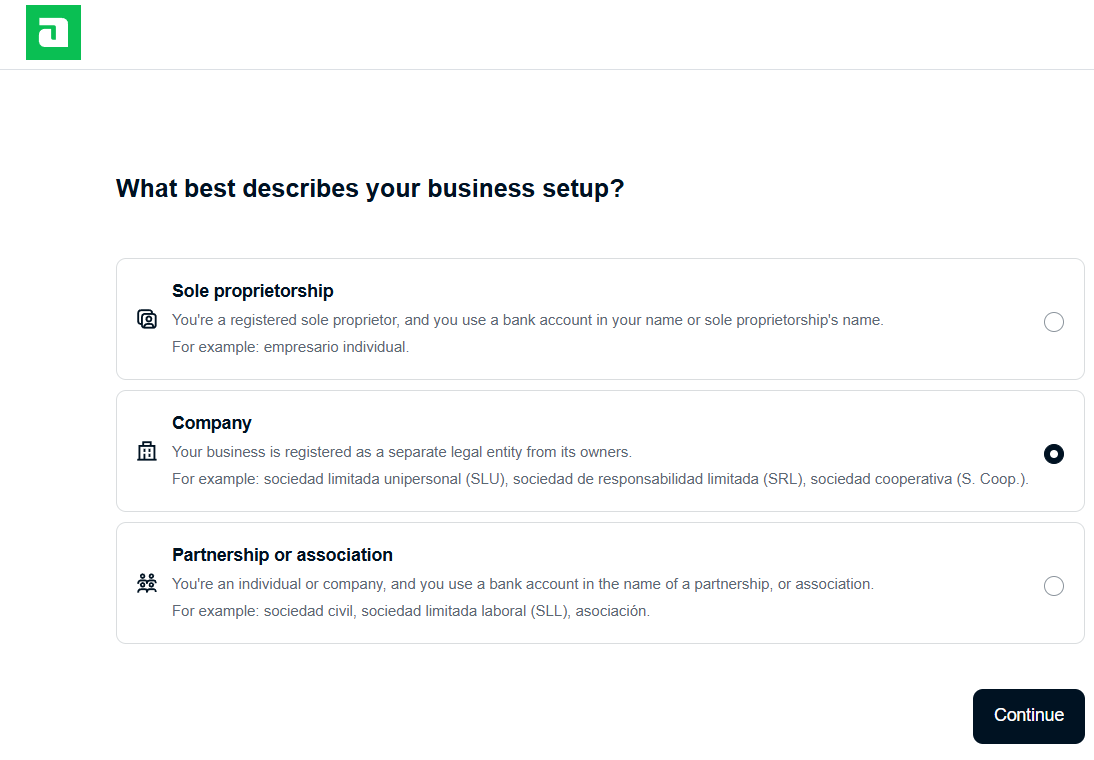
**If I input the wrong type of business (sole trader/private limited company etc) how do I amend this?**
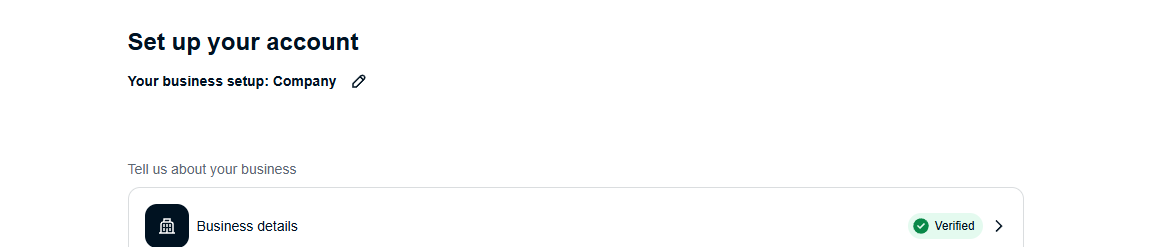
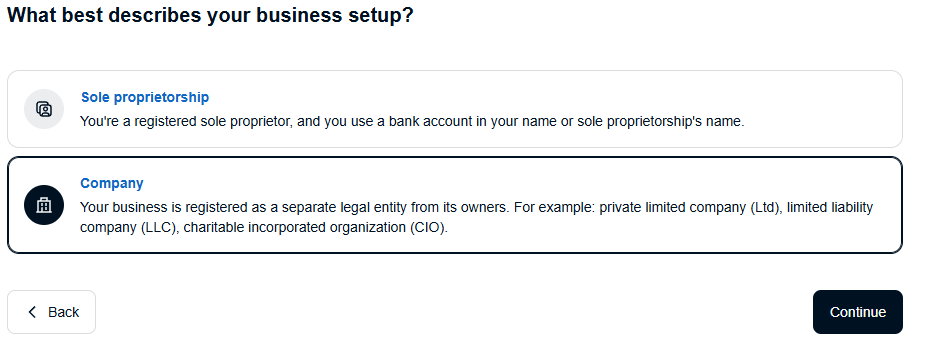
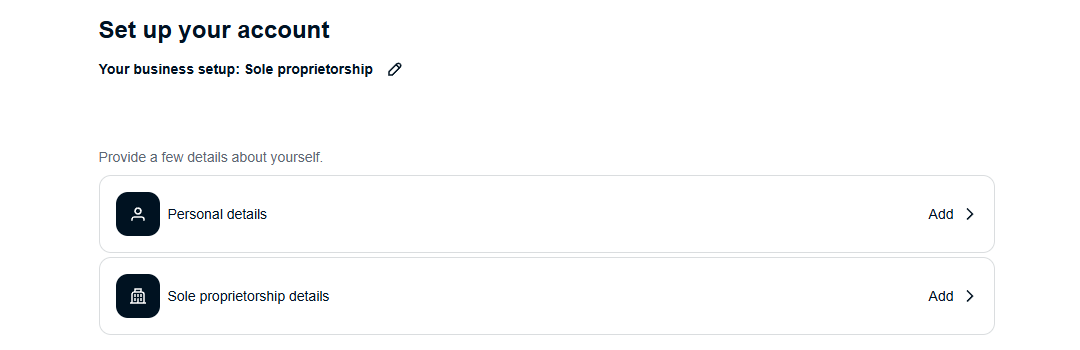
You can click on the pencil at the top of the application page to change.\
Note: The form only gives sole proprietor and company options, if you are a partnership, please choose sole proprietor.
**How do I complete the form as a Sole Trader/Proprietor/Partnership?**
1. Select business type 'Sole Proprietor'.
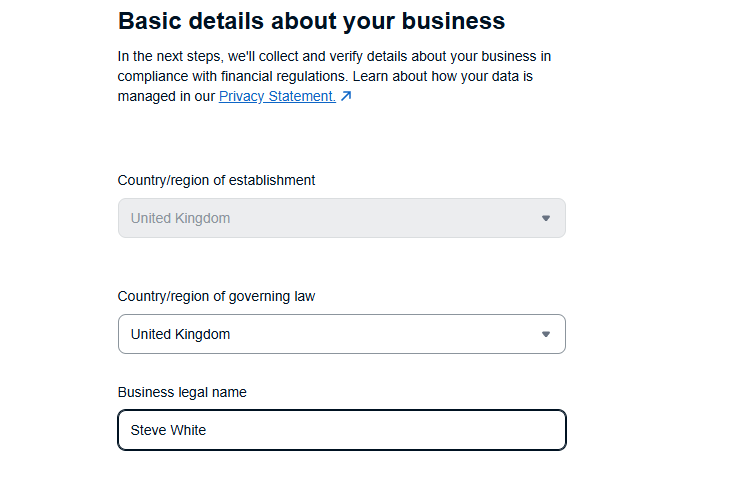
2. In the Sole Proprietorship details screen, add your personal name in the Business legal name box. For a partnership, add the name of one of the partners.
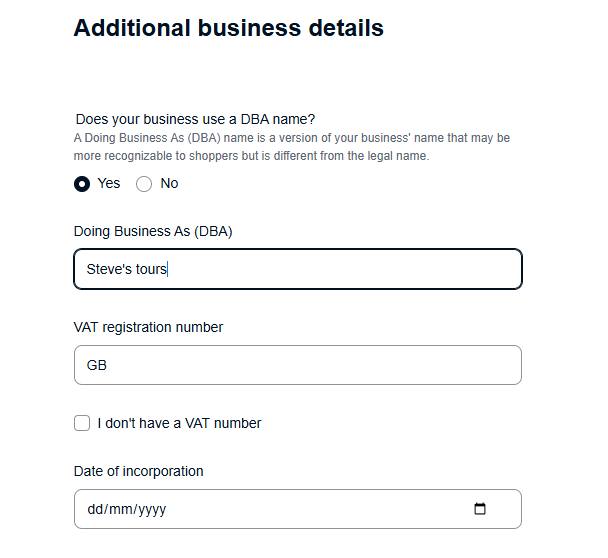
3. On the next page, tick the 'Yes' radio button to enable 'Doing Business As' name entry. Please enter the known business name here.
### Need help?
If you have any questions, contact:
****